Chapter 4: Selection Sets
A selection set is all the items available for the user to choose from at any given time.
Large selection sets are usually split into pages or groups, with link items that move between pages. Think of it like a card index or a book: you’re only looking at one “page” at a time, and certain items act like hyperlinks to other pages.
Key Ideas
- Small sets (≈10 items or fewer) can often stay on a single page with no grouping.
- Larger sets should be divided into groups to reduce visual load and scan time.
- Link items are navigation controls (Next, Back, Home) that move between groups.
Examples of Selection Sets
- Alphabet keyboard (26 letters)
- Communication grid (words, phrases, symbols)
- TV remote (channels, volume, power)
- App menu (File, Edit, View)
Presentation Formats
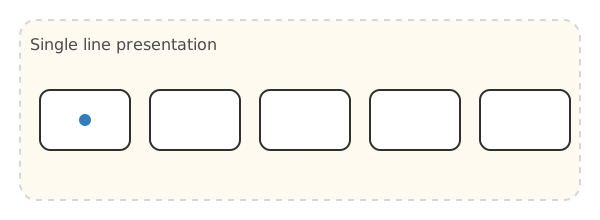
1. Single Line Presentation
Items arranged in a single row (horizontal or vertical).
🎮 Try it: Linear scan of 4 colors.
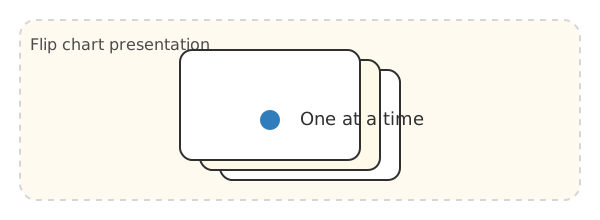
2. Flip Chart Presentation
Individual items displayed one at a time, like turning cards in a rolodex.
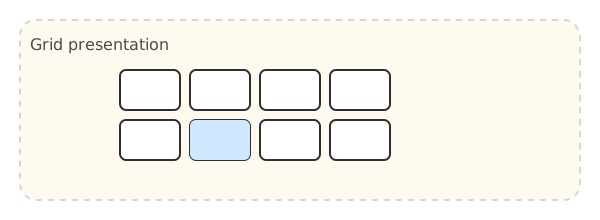
3. Grid Presentation
Items arranged in a 2D grid.
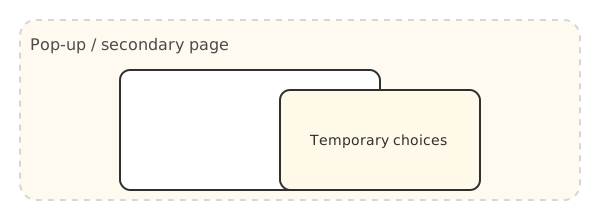
4. Pop-up / Secondary Page Presentation
Secondary pages appear within the current page temporarily.
Pop-up panels reduce visual load and are useful for quick contextual choices.
Multipage Boards (AAC Files)
Many AAC systems use multiple pages with links between them. The scanner can load real board files and still control the scan order—useful when you want pop‑ups, toolbars, or secondary pages.
This demo loads a multipage AAC board (OBZ). Use scan selection to follow links, or upload your own board file.
🎮 Tip: In some boards, buttons include a scanBlock number so related items are scanned together.
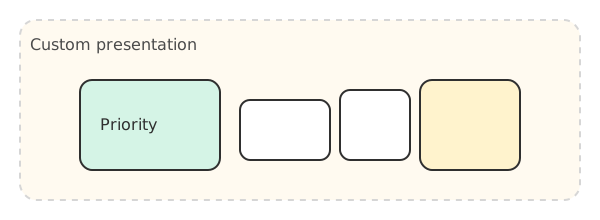
5. Custom Presentation
Non-standard layouts that emphasize important items.
Visual load matters. Smaller groups and fewer items per page reduce scanning errors for new users.
🎮 Compare: try selecting number 59 in each grid below.
16 Items (4×4)
64 Items (8×8)
The problem: linear scanning of large sets is painfully slow. Grouping is the fix (see Chapter 7).